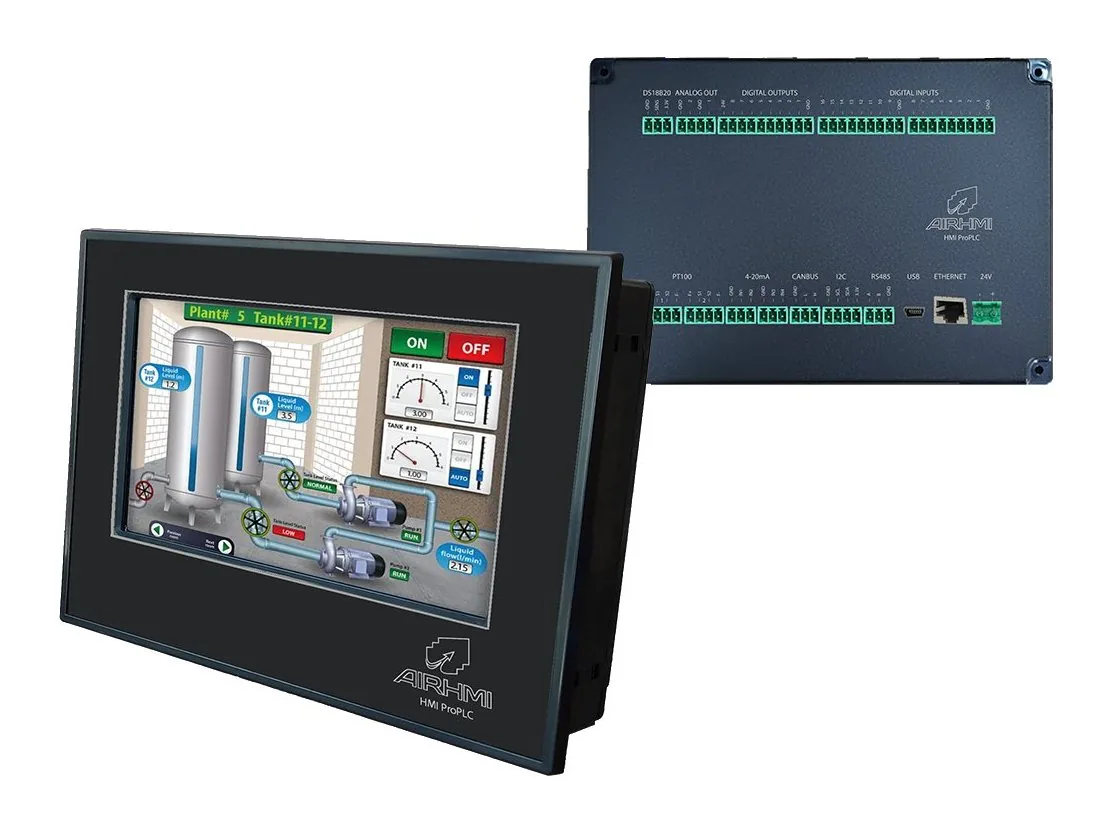
Remote I/O modules that gather digital and analog signals on machines and vehicles on a single CANBus line. Your HMI display, PLC or computer reads and controls the modules using CAN IDs you define or SAE J1939. Two models with 8 or 16 digital inputs.
2 models
Showing 2 products
 SMARTIO-CAN8
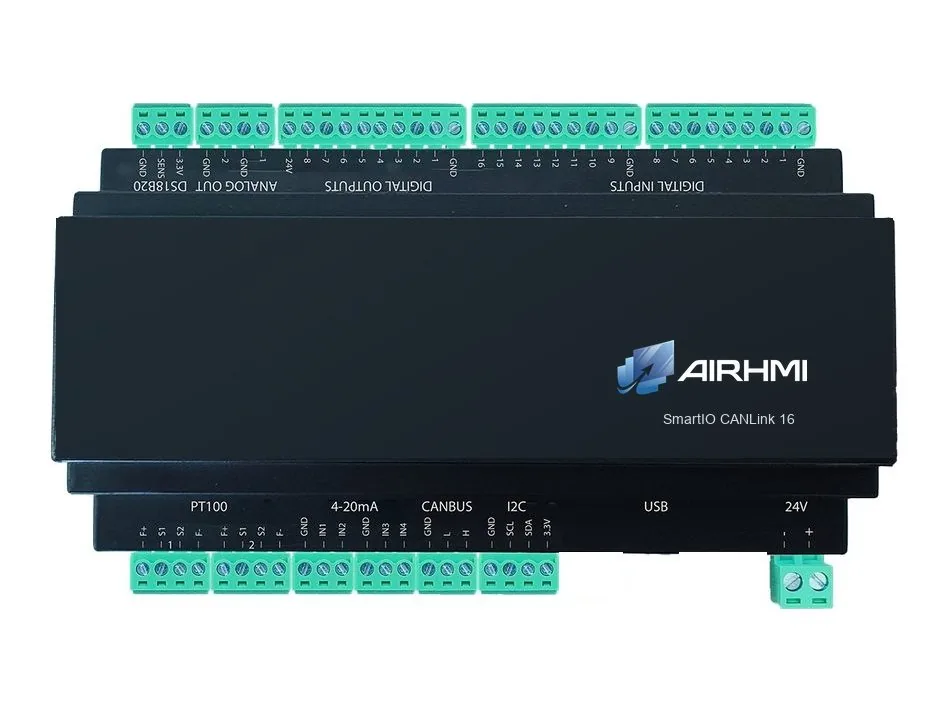
SmartIO CANLink 8
SMARTIO-CAN16
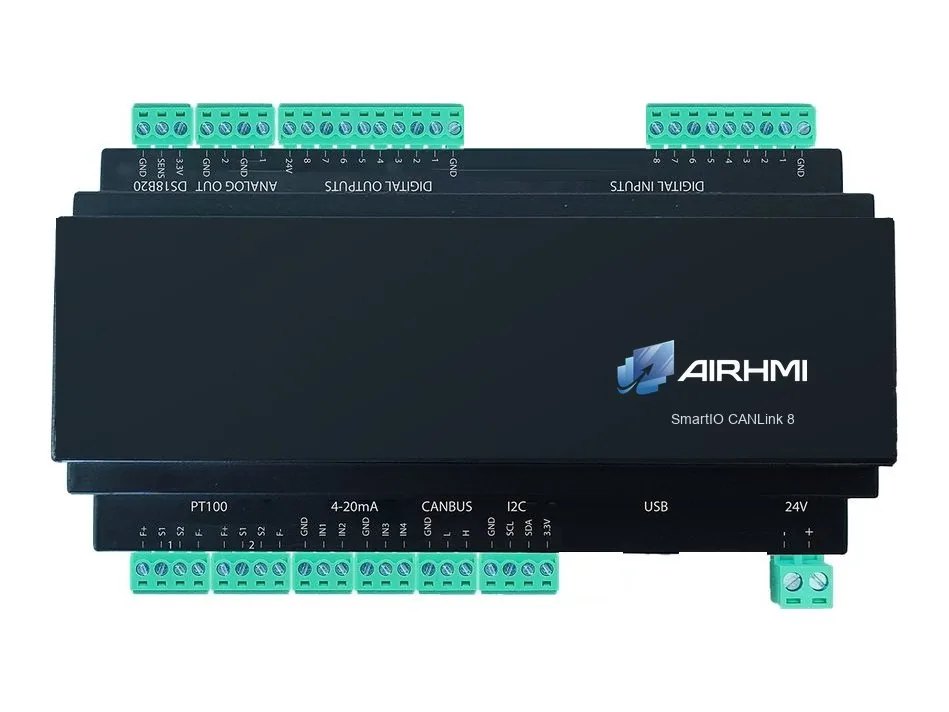
SmartIO CANLink 16
No model matches the selected features. Change the filters or contact us.
The two models differ in the number of digital inputs; all other features are identical.
| SmartIO CANLink 8 | SmartIO CANLink 16 | |
|---|---|---|
| Digital inputs | 8 | 16 |
| Digital outputs | 8 | 8 |
| Analog inputs | 4 × 4-20 mA | 4 × 4-20 mA |
| Analog outputs | 2 (24V) | 2 (24V) |
| DS18B20 input | 1 | 1 |
| PT100 input | 2 (optional) | 2 (optional) |
| CANBus | ||
| SAE J1939 | ||
| CAN ID setting | PC application | PC application |
| Status reporting | Request–response or stream | Request–response or stream |
| Power supply | 9–36 VDC | 9–36 VDC |
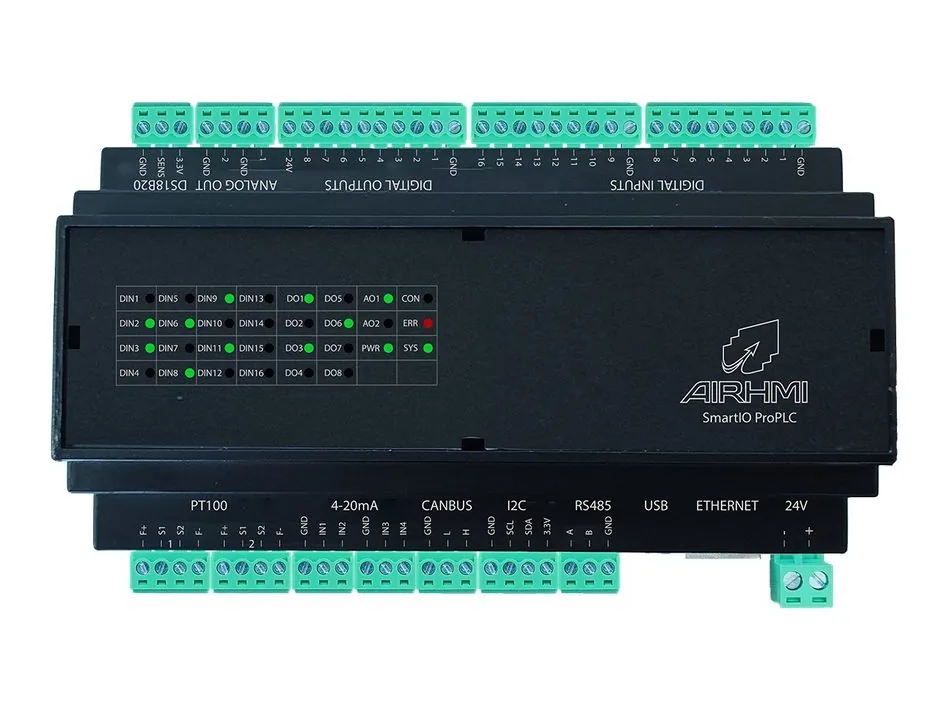
No. SmartIO CANLink is a remote I/O module; the control logic runs on the master device on the CANBus (HMI, PLC or computer). For the Ladder-programmable version, see the SmartIO ProPLC.
Digital inputs, digital outputs, analog inputs, analog outputs and temperature inputs each use one CAN ID; in the digital messages every bit is one input or output. The IDs are changed over USB with a PC application; several modules work on the same bus with different IDs.
Two modes are available: in request–response mode the module only replies when the master asks; in stream mode it sends the states by itself at the time interval you select.
Yes. The module works in Raw CAN or SAE J1939 mode. In J1939 mode it supports 29-bit IDs, a source address, Address Claim, proprietary (Proprietary A / B) PGNs and the Request message; the protocol is selected over USB in the configuration software.
Yes. With its 9–36 VDC supply it runs in 12 V and 24 V vehicles; in J1939 mode it connects to the vehicle bus of buses, trucks, construction machines and special-purpose vehicles to add inputs / outputs.
No. The 2-channel PT100 input is added as a paid option when ordering; the DS18B20 temperature input is standard on both models.
No. Communication is via CANBus. For applications that need Ethernet Modbus and RS485, the SmartIO ProPLC is suitable.
Only the number of digital inputs: CANLink 8 has 8 and CANLink 16 has 16 inputs. Outputs, analog I/O and temperature inputs are identical.
SmartIO CANLink offers the I/O set of the SmartIO ProPLC as a CANBus remote I/O module. The module runs no program of its own; it sends input states and analog values to user-defined CAN IDs and receives output commands over CANBus. The control logic runs on the master device.
Each I/O group uses a single CAN ID; in the digital messages every bit is one input or output. CAN IDs are changed over USB with a PC application. Status information is sent when the master asks in request–response mode, and by itself at the time interval you select in stream mode.
The modules work in Raw CAN or SAE J1939 mode. In J1939 mode they support 29-bit IDs, a source address, Address Claim, proprietary PGNs and the Request message.
Both models have 8 digital outputs, 4 × 4-20 mA analog inputs, 2 analog outputs and a DS18B20 temperature input; they differ in the number of digital inputs. A 2-channel PT100 temperature input is available as an option when ordering.
With J1939 support and a 9–36 VDC supply, CANLink is also suited to automotive applications: in 12 V and 24 V vehicles, and in buses, trucks, construction machines and special-purpose vehicles it brings cab, body and superstructure signals onto the vehicle bus.
For applications that need Ethernet and RS485 communication or Ladder programming, see the SmartIO ProPLC.
J1939 (29-bit ID, Address Claim, PGN) or user-defined CAN IDs
States are sent on request or at a selected time interval
9–36 VDC; connects to the J1939 bus of buses, trucks, construction machines and special vehicles
8 digital outputs and analog I/O are standard on both models
2 × PT100 temperature inputs are added when ordering
Tell us your size, touch and connectivity requirements and our engineering team will recommend the right configuration.